
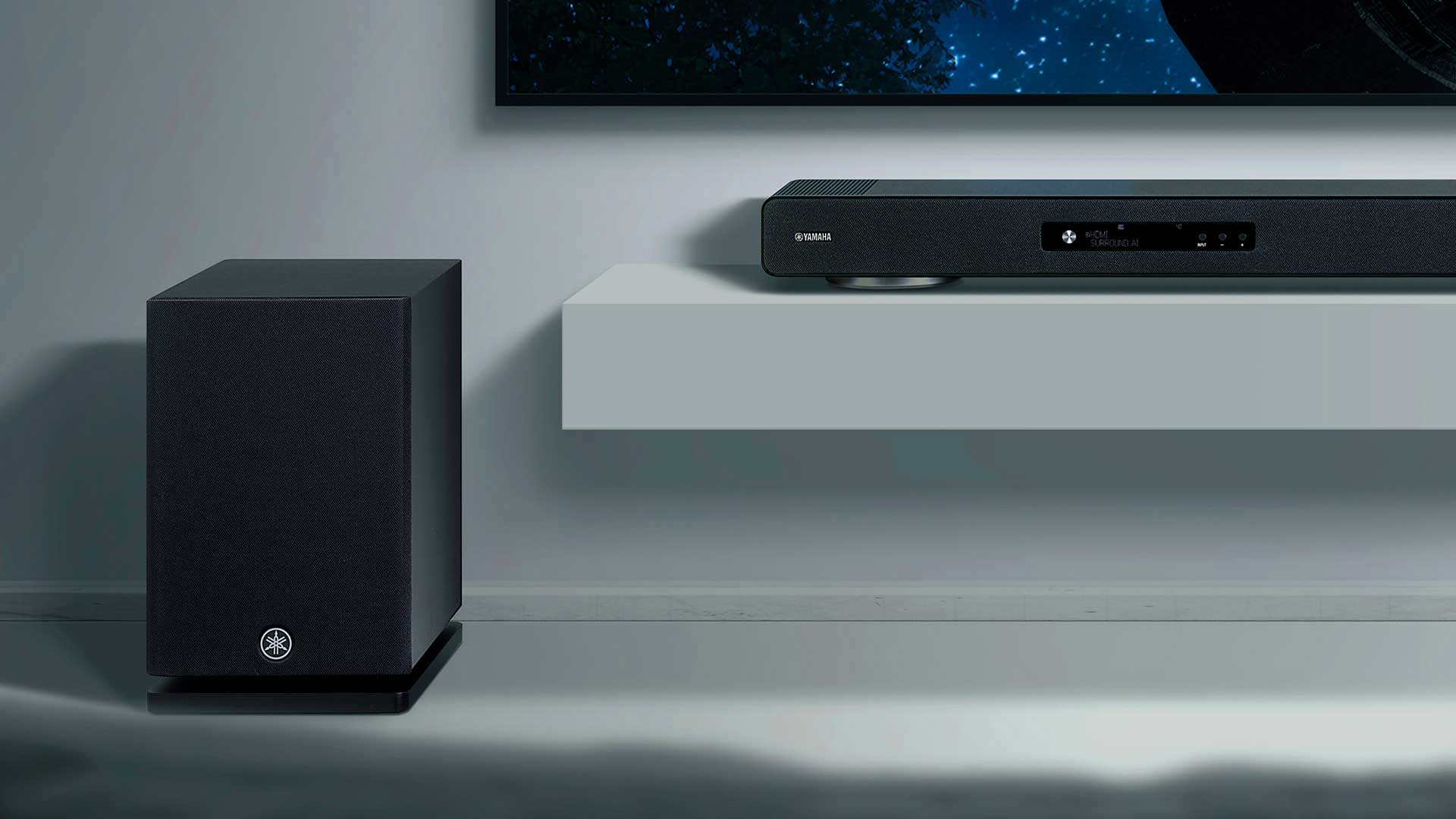
Picture this: you walk through the front door, the lights flicker to life, your favorite playlist hums from hidden speakers, the thermostat nudges itself to the perfect temperature, and the blinds glide open just enough to catch the afternoon glow. That is not a scene from a sci-fi film. That is what a properly executed smart home system installation looks like in everyday life, and the gap between “gadget overload” and “seamless automation” comes down to how you set it all up.
Whether you’re a tech enthusiast itching to wire up every corner of your house or a homeowner just curious about where to begin, this guide breaks down everything you need to know before, during, and after the install.
How Do You Install a Smart Home System?
To install a smart home system, start with a strong Wi-Fi network, then choose a central smart hub (like Google Home, Alexa, or Apple HomeKit). Add compatible devices room by room (lights, locks, thermostats, speakers), connect them through the hub’s app, and configure automation routines for hands-free control.
Why Smart Home Installation Is Worth the Effort
A smart home is not just about showing off to guests. Done right, it saves energy, boosts security, and shaves real time off your daily routine. The trick is planning before you plug in.
Most people rush out, buy a bundle of gadgets, and then wonder why nothing talks to each other. A solid installation strategy avoids that mess entirely.
Top Benefits at a Glance
- Energy savings: Smart thermostats and lighting can cut utility bills by 10 to 23%.
- Enhanced security: Real-time alerts, smart locks, and AI-powered cameras.
- Convenience: Voice control, geofencing, and scheduled routines.
- Property value: Smart features make homes more attractive to buyers.
Planning Your Smart Home System Installation
Before a single device leaves the box, take an honest look at what you actually want your home to do. Are you focused on entertainment? Security? Climate control? All of the above? Your answer shapes everything else.
Step 1: Audit Your Wi-Fi
Your network is the spine of the entire setup. A weak or outdated router will sabotage even the best devices. Consider a mesh Wi-Fi system if you have more than 1,500 square feet to cover, and make sure your internet plan offers at least 200 Mbps for a comfortable smart-home experience.
Step 2: Pick an Ecosystem
This is where most homeowners get stuck. The three giants are:
- Amazon Alexa: Widest device compatibility and affordable smart speakers.
- Google Home: Superior voice recognition and integration with Android.
- Apple HomeKit: Best for privacy and iOS users.
Matter, the newer cross-platform standard, is changing the game by letting devices work across ecosystems. Look for the Matter logo when shopping.
Step 3: Map Your Home Room by Room
Sketch out each space and decide which features make sense. A bathroom might need smart lighting and a leak sensor, while your living room could benefit from a media hub, smart blinds, and surround sound.
Device Categories You’ll Want to Consider
Lighting
Smart bulbs, switches, and dimmers. Brands like Philips Hue and Lutron Caséta lead the pack.
Security
Doorbell cameras, smart locks, motion sensors, and 24/7 monitoring options.
Climate
Smart thermostats (Nest, Ecobee) and zoned HVAC controls.
Entertainment
Multi-room audio, smart TVs, voice-activated streaming, and immersive sound setups.
The Installation Process: A Step-By-Step Walkthrough
Here is where the rubber meets the road. Follow this sequence to avoid the classic rookie mistakes.
1. Install the Hub First
Whether it’s an Echo Show, Google Nest Hub, or a HomePod, get the central command set up and tested before adding any peripherals. Place it centrally in your home for the best voice pickup.
2. Add Devices One Room at a Time
Resist the urge to unbox everything at once. Pair one device, name it clearly (think “Kitchen Ceiling Light” not “Light 1”), test it, and move on. This saves hours of troubleshooting later.
3. Configure Audio Carefully
If you’re integrating speakers throughout the home, positioning is everything. Even premium smart speakers sound flat when shoved in a corner or behind furniture. For a deeper look at how to get this right, the breakdown of speaker placement mistakes is worth a careful read before you mount anything permanent.
4. Build Your Routines
This is where the magic happens. Set up automations like:
- “Good Morning”: Lights at 40%, blinds open, coffee maker on, news briefing.
- “Movie Night”: Lights dim, TV powers on, soundbar engages, thermostat drops two degrees.
- “Away Mode”: Locks engage, cameras activate, lights randomize.
5. Test, Tweak, Repeat
Run every scenario for at least a week. Note what feels clunky. Adjust trigger times, sensor sensitivity, and voice commands until the system feels invisible.
DIY vs. Professional Installation
Plenty of folks handle smart home installation themselves, especially for plug-and-play devices. But certain situations call for a pro:
- Hardwired security systems with multiple cameras
- In-wall speakers or whole-home audio runs
- Smart panel installations and electrical work
- Integration of high-end systems like Control4 or Crestron
Expect to pay between $500 and $5,000 for professional installation, depending on complexity. DIY setups for a basic smart home can be done for under $1,000.
Common Installation Pitfalls to Avoid
- Mixing too many ecosystems: Stick to one or two platforms for smoother control.
- Ignoring firmware updates: Outdated devices are security risks.
- Weak passwords: Every device needs a unique, strong credential.
- Poor placement: Sensors behind furniture or speakers in corners never perform well.
- Skipping the backup plan: Always keep manual overrides for locks and lights.
Frequently Asked Questions
How long does a smart home system installation take?
A basic DIY setup with a hub and 5 to 10 devices takes 3 to 6 hours. A whole-home professional install can range from 2 days to 2 weeks depending on wiring needs and customization.
Do I need an electrician to install smart devices?
Most plug-in devices and battery-powered sensors require zero electrical work. However, smart switches, hardwired cameras, and in-wall panels often require a licensed electrician for safety and code compliance.
Can a smart home system work without internet?
Some functions like local voice commands and Zigbee or Z-Wave routines can run offline, but most cloud-based features (remote access, voice assistants, video storage) require an active internet connection.
Is a smart home installation worth it for renters?
Absolutely. Stick to non-permanent devices like smart bulbs, plugs, speakers, and portable cameras. You can pack them up and reinstall in your next place within an hour.
How much does an average smart home setup cost?
Entry-level setups start around $300 to $600. Mid-range installations land between $1,500 and $4,000. Luxury whole-home automation can easily exceed $20,000.
What’s the biggest mistake first-time installers make?
Buying devices before planning. Without a clear ecosystem choice and Wi-Fi audit, you’ll end up with gadgets that don’t communicate, leading to frustration and wasted money.
Final Thoughts
A great smart home system installation is less about cramming in the latest tech and more about thoughtful planning, smart placement, and routines that actually fit your lifestyle. Start with a reliable network, choose your ecosystem wisely, install methodically room by room, and refine your automations until everything feels effortless.
Get those fundamentals right, and your home stops feeling like a collection of gadgets and starts feeling like it’s genuinely working for you. That is the real promise of a connected home, and it’s well within reach.