

Your house is already smart. It just doesn’t know how to talk to itself yet. Every device speaks a different language, follows different rules, and ignores the others completely. That is where a smart home controller steps in, acting as the translator that finally gets everything on the same page.
What Is a Smart Home Controller?
A smart home controller is a central hub or app that connects and manages multiple smart devices, such as lights, thermostats, locks, and speakers, from a single interface. It allows different brands and protocols to communicate seamlessly, letting users automate routines, control devices remotely, and unify their entire smart home under one system instead of juggling separate apps.
Think of it as mission control for your entire house. Instead of opening five different apps to dim the lights, lock the door, and adjust the thermostat, one command handles it all.
Why You Actually Need One
Smart devices are everywhere now, but most of them don’t play well together out of the box. A bulb from one brand might use a completely different wireless standard than your smart plug. Without a controller, you end up with a pile of disconnected gadgets instead of a genuinely smart home.
- Unified control: One app or voice command manages everything.
- Better automation: Create routines that trigger multiple devices at once.
- Cross-brand compatibility: Mix and match products without worrying about protocols.
- Faster response times: Local hubs often react quicker than cloud-only devices.
Types of Smart Home Controllers
Not all controllers are built the same way, and picking the right type depends heavily on what you already own and how deep you want to go.
Standalone Hub Devices
These are physical boxes that sit in your home and act as the brain of the operation. They connect to your router and communicate with devices using protocols like Zigbee, Z-Wave, or Thread. Many premium options support multiple protocols at once, which drastically widens compatibility.
App-Based Controllers
Some ecosystems rely entirely on a smartphone app rather than a dedicated box. These tend to be easier for beginners since there’s no extra hardware to install, though they sometimes lack the deeper automation options that dedicated hubs offer.
Voice Assistant Integrations
Voice assistants have essentially become controllers in their own right. They tie into existing hubs or connect directly to devices, letting you issue commands hands-free. Many households use these as the primary interface even when a separate hub is doing the behind-the-scenes work.
Key Features Worth Prioritizing
Before choosing a system, it helps to know which features actually matter versus which ones sound impressive but rarely get used.
- Protocol support: Look for Zigbee, Z-Wave, Wi-Fi, and Thread compatibility.
- Local processing: Reduces lag and keeps things working during internet outages.
- Custom automations: The ability to create if-this-then-that style routines.
- Security features: Encrypted communication and regular firmware updates.
- Scalability: Room to add more devices as your setup grows.
Building a Smarter Entertainment Setup
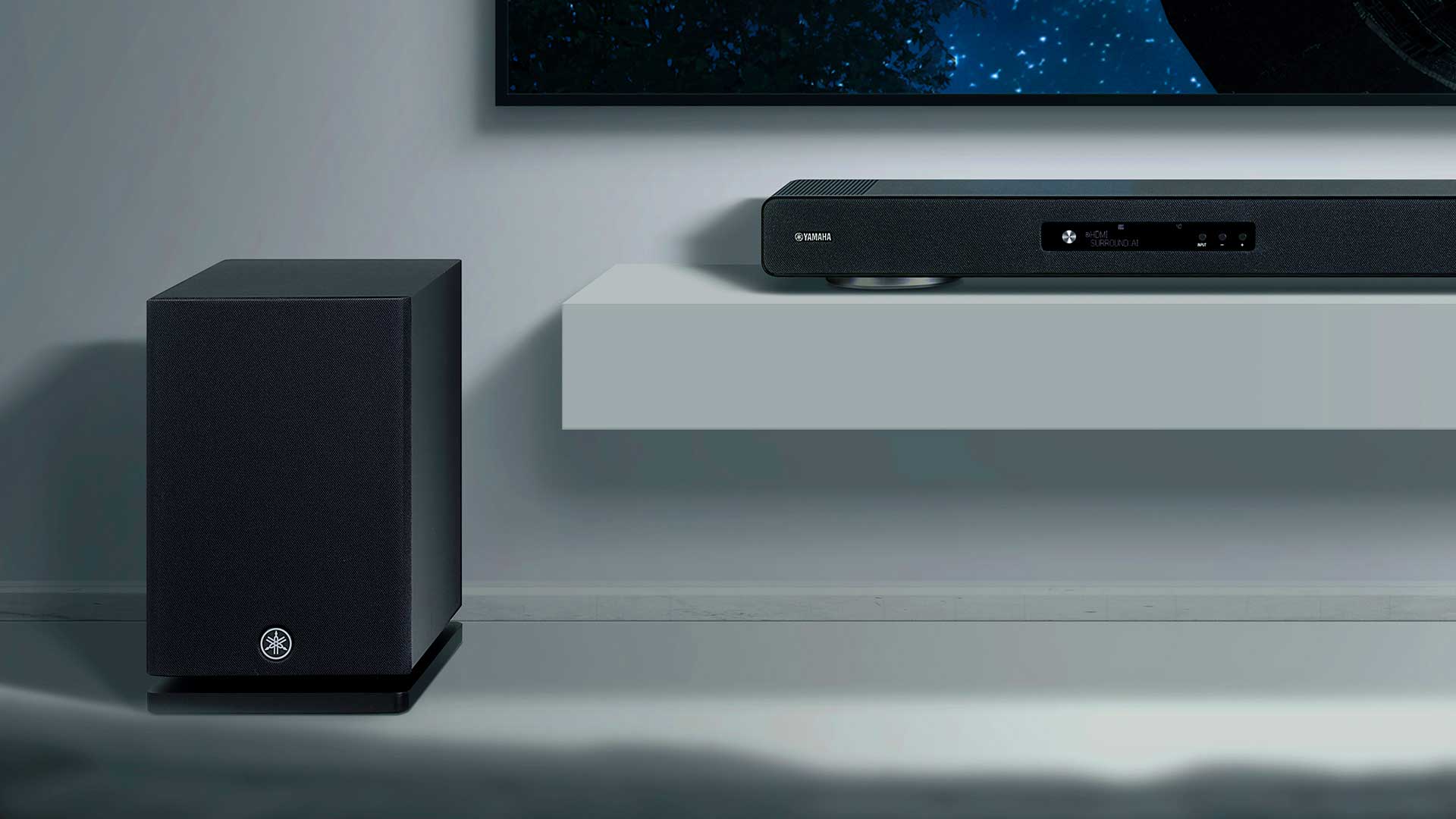
One of the most satisfying uses for a smart controller is tying your entertainment system into the rest of your home. Lights dimming automatically when a movie starts, blinds closing on command, and sound systems powering up together creates an experience that feels genuinely cinematic. If you’re aiming for that kind of upgrade, it’s worth exploring how to turn your living room into a movie theater using the right combination of speakers and smart controls working in sync.
Once your controller manages audio alongside lighting and climate, movie nights stop feeling like a setup process and start feeling automatic.
Common Mistakes to Avoid
Even well-intentioned smart home setups can go sideways. Here are a few pitfalls worth sidestepping.
- Buying devices before checking compatibility: Always confirm protocol support first.
- Overcomplicating automations: Start simple, then expand gradually.
- Ignoring firmware updates: Outdated software creates security gaps.
- Skipping network planning: A weak router can bottleneck an entire smart home.
Getting Started Without Overwhelm
You don’t need to automate your entire house on day one. Start with a single room, connect a few devices, and build routines that genuinely make life easier. Once that foundation feels natural, expanding to bedrooms, kitchens, and entertainment spaces becomes far less intimidating.
The goal isn’t to collect gadgets. It’s to create a home that responds to how you actually live.
Final Thoughts
A smart home controller isn’t just another gadget, it’s the glue that holds your entire smart ecosystem together. From unifying incompatible devices to enabling automations that genuinely simplify daily routines, the right controller transforms scattered tech into a cohesive, intelligent home. Whether you’re just starting out or upgrading an existing setup, choosing a controller with strong protocol support and reliable automation tools will make every future addition easier to integrate.
Frequently Asked Questions
Do I need a smart home controller if I already use voice assistants?
Voice assistants handle commands well, but a dedicated controller often provides better automation, local processing, and broader device compatibility.
Can a smart home controller work without the internet?
Many hubs with local processing capabilities can still control connected devices during internet outages, though remote access will be limited.
Is it hard to switch smart home controllers later?
Switching is possible but can require reconfiguring devices and automations, so it’s best to choose a flexible system early on.
Do all smart devices work with every controller?
No, compatibility depends on the wireless protocols each device and controller support, so checking specifications beforehand is essential.